AI is a Useful Assistant, but it Won’t Make Your Presentation for You.
In this YouTube video below I discuss the impact of generative AI in the presentation space, especially presentations for learning. AI as an assistant for tasks such as summarizing information, search, making recommendations, providing outlines, definitions, etc. is obviously extremely useful (although, as this study shows, generative AI is far from infallible).
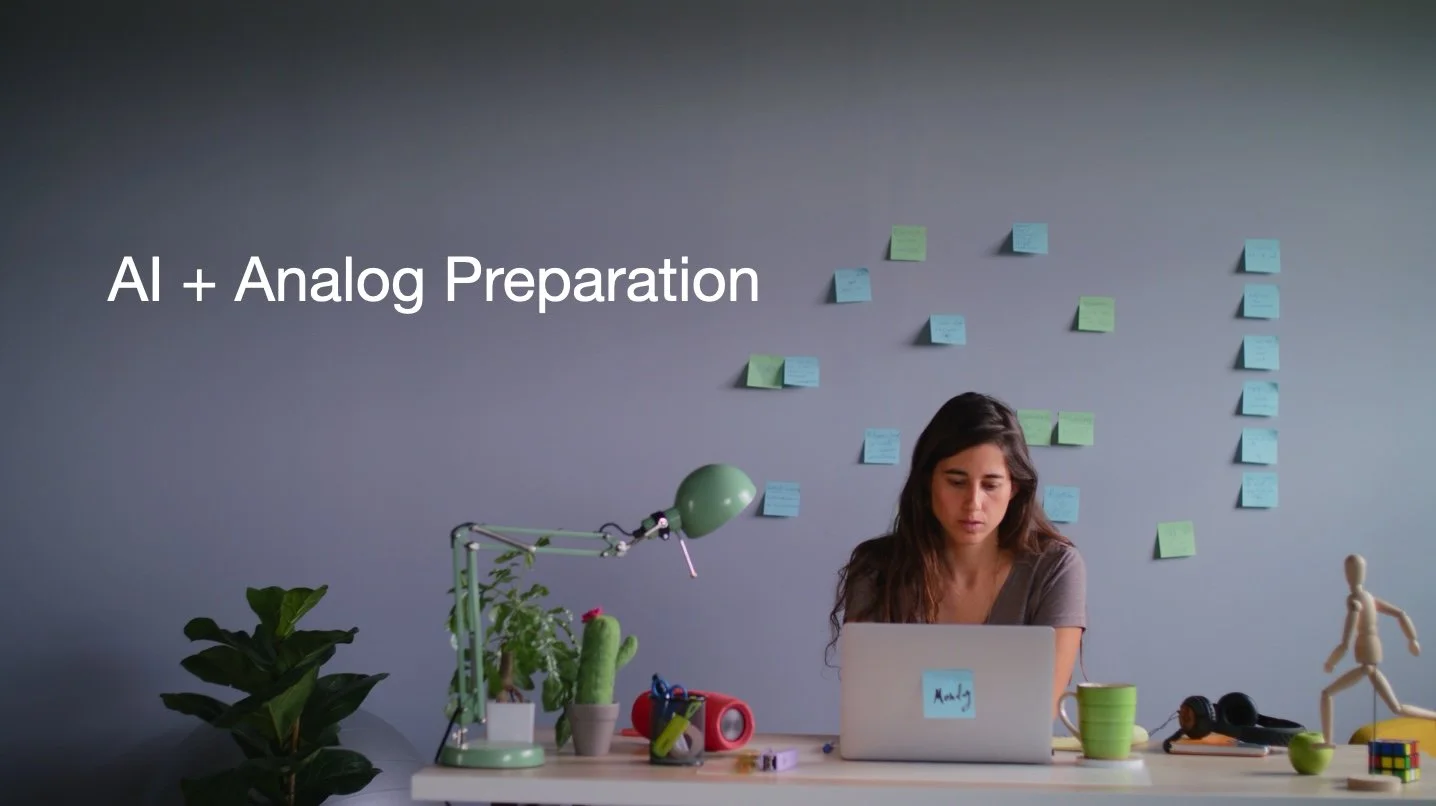
Recently, however, there has been tremendous marketing hype surrounding AI presentation apps that promise instant, effortless creation, which gives me a kind of seeking-riches-without-effort vibes. What I contend in the video presentation here is that true learning and quality content require time, deep thinking, and effort, emphasizing that presentations should be a tool for learning, understanding, and synthesizing of ideas, not just for quick communication of material. Ultimately, I propose what I call a digital-analog-digital sandwich as a method for preparation, which integrates initial AI-assisted research and exploration with dedicated time for off-line analog thinking, reading, reflection, organization, and finally digital design.
Please watch the video below and give it a like and a share if you find it useful. Please feel free to leave your comments or suggestions on YouTube; I’d love to hear your own experience preparing and delivering presentations the era of AI. The video on YouTube.
Summary of points made in the video
• AI can be a great assistant: I see generative AI primarily as an effective assistant, particularly good at summarizing information, search, fact-checking, providing ideas for structure, etc. It’s utility is undeniable.
• But don’t believe the hype: However, I caution against putting much stock in the marketing claims of many AI presentation apps that promise instant creation, using phrases like presentations in seconds or 10 x faster, etc.
• Authentic content is paramount: Claims like instant presentations or that slides will adapt like magic are misleading; the true value of your presentation is in the development of your content itself—your research, ideas, effort, and your critical thinking about the subject.
• Presentation as a learning tool: Presentation should not be viewed merely as a medium for communication, but rather—when prepared effectively—as a powerful tool for thinking and an activity for learning.
• Resist the idea of instant creation: Creating presentations instantly robs the users—especially students—of deep thinking, reflection time, problem solving, etc. Learning tends to stick better when the mind has to work for it, a concept referred to as "desirable difficulties” in the book Make it Stick:The Science of Successful Learning.
• Speed is not the point: While speed is often obsessed over, it is not the most important metric when it comes to learning and creating presentations (and other creative endeavors). The focus should be on whether the presentation is well researched and constructed, and whether it is better for the audience, not just faster to create.
Put emphasis on learning: Individuals, especially students, should dedicate more time to the preparation stage, as thinking leads directly to greater learning. For example, spreading out the preparation over days or weeks helps incorporate research-backed learning principles, such as dual coding, active recall, elaborative processing, and spaced repetition (see Make it Stick).
• Blending analog and digital: The best student presentations I’ve seen in the past few years successfully mix the use of digital tools, including LLMs, with significant time spent away from the screen (analog time) actively reading, thinking, processing the material, and finally designing visuals and practicing their talk.
• The digital-analog-digital sandwich approach: In the video above, I suggested a preparation process involving three stages: (1) Initial search/research using AI (digital), (2) Substantial time spent off-line for reading, thinking, reflecting, and organizing, (analog), and finally (3) Returning to the computer for designing the visuals and then practicing with those visuals (digital).